Y888 Game Update Guide: How to Get the Latest Version
Keeping an app updated can help improve compatibility, fix technical issues, and provide access to newer features. If you use Y888 Game in Pakistan, you may want to check for a newer version when the current app starts showing errors or becomes difficult to use.
Y888 is presented as a mobile gaming platform with different game categories and account features. For Android users, the update process may involve downloading a newer APK and installing it manually.
This guide explains how to check your current version, update the app, solve common installation problems, and follow basic safety steps before installing a new APK.
Why Should You Update Y888 Game?
Application updates can include bug fixes, performance improvements, compatibility changes, or new features. If your current version is working normally, an update may not always be urgent. However, checking for a newer version can be useful when you experience technical problems.
Common reasons for updating include:
- Fixing application bugs
- Improving stability
- Supporting newer Android versions
- Resolving loading problems
- Improving device compatibility
- Updating existing features
The exact changes depend on the version available, so check the update information before installing a new file.
How to Check Your Current Y888 Game Version
Before downloading another APK, check which version is currently installed on your phone.
Open your Android Settings and go to Apps, Applications, or App Management. Find Y888 Game and open its information page.
Depending on your phone, you may see the installed version, storage usage, permissions, and other application details.
Note down your current version so you can compare it with the version available for download.
How to Update Y888 Game on Android
Updating an APK can require a few more steps than updating an app through Google Play Store.
1. Check the Download Source
First, check where the new APK is being offered.
Search results can contain several websites using similar Y888 names. Do not assume that every APK file is from the same source.
Check the website address carefully before downloading anything.
2. Check the Available Version
Look for information such as:
- Version number
- APK file size
- Android requirements
- Application name
- Developer information
- Update details
If the information looks unusual or inconsistent, verify the source before continuing.
3. Download the Y888 APK
Once you have checked the source, visit the Y888 Download page and review the available APK information before downloading.
Use a reliable internet connection and make sure your phone has enough free storage.
4. Install the New Version
After downloading the APK, open your phone’s file manager and locate the file.
Tap the APK to begin installation.
Android may show a security warning when an application comes from outside Google Play Store. Read the warning carefully before continuing.
If the APK is compatible with the existing installation, Android may install it as an update.
5. Open the Updated Application
After installation, open Y888 Game and check whether it works normally.
You can also return to your Android application settings to confirm the installed version.
What Should You Check Before a Y888 Game Update?
A little preparation can make the update process easier.
Check Your Internet Connection
A stable connection is useful when downloading an APK. An interrupted download can result in an incomplete file.
Check Available Storage
Make sure your phone has enough free storage for the APK and the installation process.
Check Android Compatibility
Not every application version works on every Android device. Check the Android requirements before installing a newer version.
Can You Update Y888 Game Without Losing Your Account?
A normal application update does not necessarily mean that you need to create a new account. However, it is still a good idea to know your login details before updating.
Keep your registered information available so you can access your account again if needed.
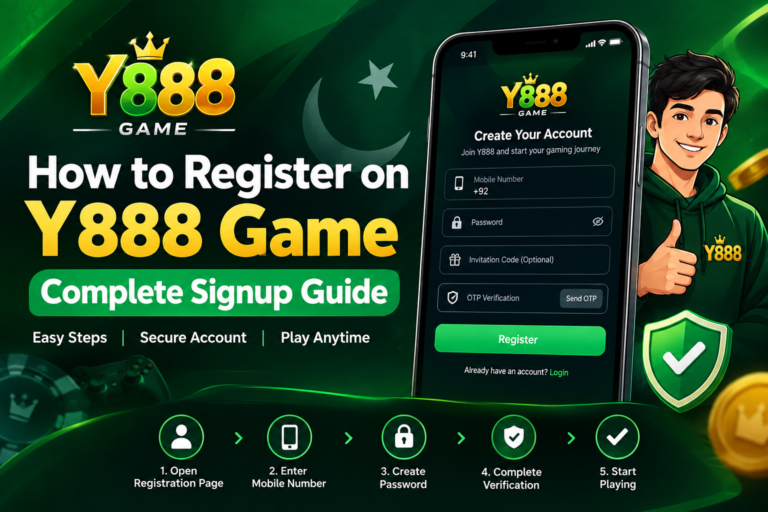
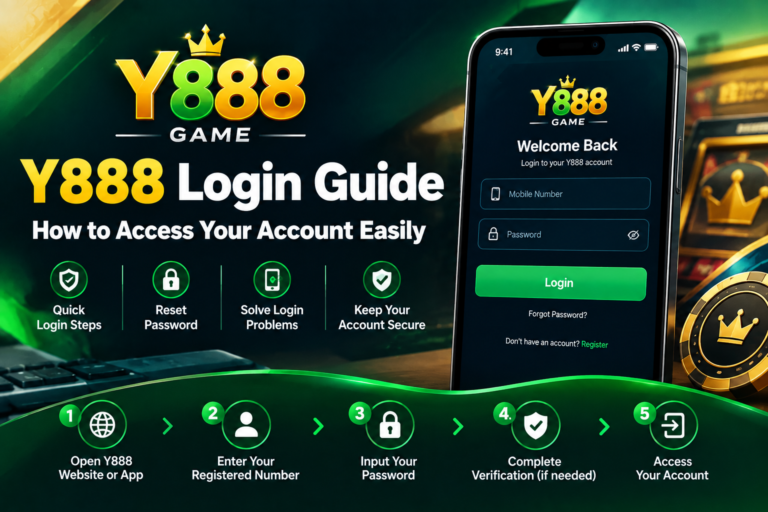
If you need help with account access, you can review the Y888 login and registration guide before updating.
Y888 Login & Registration Guide
What If the Y888 Game Update Is Not Working?
Sometimes an APK may fail to install even after downloading it correctly.
APK Will Not Install
The file may be incomplete, incompatible, or conflicting with the existing application.
Check whether the download completed properly. If necessary, remove the incomplete APK and download it again from a source you can verify.
Not Enough Storage
Low storage can prevent Android from completing an installation.
Check your phone’s storage and remove unnecessary files or unused applications if required.
Android Version Is Too Old
A newer application version may require a newer Android operating system.
Check the minimum Android requirement before trying again.
Existing Application Conflict
Android can sometimes reject an APK when it does not match the existing application correctly.
This can happen when the new APK comes from a different source.
Do not immediately uninstall the existing application. First make sure your account details are available and verify the new APK source.
What to Do If Y888 Game Stops Working After an Update
If the application does not open properly after an update, try these basic steps:
- Restart your phone.
- Check your internet connection.
- Check available storage.
- Close unnecessary background applications.
- Restart the app.
- Check whether another compatible version is available.
- Confirm your Android version.
Avoid installing several APK versions from different websites because this can create additional compatibility problems.
Is It Necessary to Install Every New Y888 Version?
No. You do not necessarily need to install every new APK immediately.
If your current version works properly, first check what the newer version changes.
An update may be useful when:
- The existing version has bugs.
- The application frequently crashes.
- The current version becomes incompatible.
- A newer version contains important technical improvements.
- The old version is no longer supported.
Checking the update information first helps you make a more informed decision.
Y888 APK Update Security Tips
Installing an APK requires extra care, especially when the file comes from outside an official app store.
Use a Verified Source
Check the website address before downloading. Similar names can make it difficult to identify the correct source.
Avoid Modified APK Files
Avoid files described as modified, cracked, unlocked, or altered versions.
Third-party modifications can create additional security risks.
Review Permissions
Pay attention to the permissions requested by the application. Be cautious if the requested access does not appear relevant to the app’s normal operation.
Keep Your Phone Updated
Keep your Android operating system and available security updates current.
Protect Your Account Details
Never share your password or OTP with another person. Avoid entering account information through suspicious websites or links.
Can an Update Delete Your Data?
The result can depend on the application and how its information is stored.
A compatible update may preserve existing application data, but users should not assume that every APK installation will keep all information.
Before updating, make sure you know your account login details.
Avoid uninstalling the existing application unless necessary.
How Often Should You Check for Y888 Updates?
You do not need to check for updates every day.
A practical approach is to check when your current version develops problems, when a newer version is announced by a source you trust, or when the existing version becomes incompatible with your device.
Regularly downloading APK files from different websites is not a good update strategy.
Instead, use a source you can verify and compare the version details before installing anything.
Y888 Game Update for Pakistani Users
For users in Pakistan, it is useful to consider both device compatibility and the APK source before updating.
Android phones in Pakistan vary widely in specifications, storage capacity, and operating system versions. An application that works on one phone may not behave exactly the same way on another.
If you experience problems with Y888 Download, first check whether the issue is related to your internet connection, device storage, APK file, or Android version.
Do not download an APK simply because a website describes it as the latest version. Always check the application information before installation.
What If You Cannot Log In After Updating?
If the application opens but you cannot access your account, first check your login details.
Make sure your registered information and password are entered correctly.
Do not share OTP codes with anyone who claims they can restore or unlock your account.
For account-related information, you can refer to the Y888 login and registration guide.
Final Thoughts
Updating Y888 Game can be useful when a newer version provides technical improvements, fixes compatibility problems, or resolves issues affecting the existing application.
For Android users, the process may involve downloading a newer APK and installing it manually. This makes it important to check the source, version information, Android requirements, and file details before starting the update.
If your current version is working properly, there is no need to download every APK you find online. Take time to verify the available version and understand what you are installing.
For Pakistani users, a careful update process can help reduce common installation, compatibility, and security problems.